
How to Find Dane County Court Dockets
Dane County court dockets are part of each WCCA case page. There is no separate "docket only" site. To reach one, you search for the case, open the case summary, and scroll to the court record events. That events list is the docket. The same free statewide tool that holds party names and charges also holds the dated timeline. Select Dane County to limit your search to local cases, or run a statewide search when you are not sure where a case was filed.
Coverage varies by case type. Dane County says its criminal index runs online from about 1984 forward, while civil years depend on the action and on how older paper cases were converted. A docket for an older matter may show fewer entries than a recent one. When the online docket looks thin, the Record Center can confirm what the paper file holds.
You can start from the Wisconsin Court System case search page, which links to circuit court, Court of Appeals, and Supreme Court access. The landing page explains what each level covers.
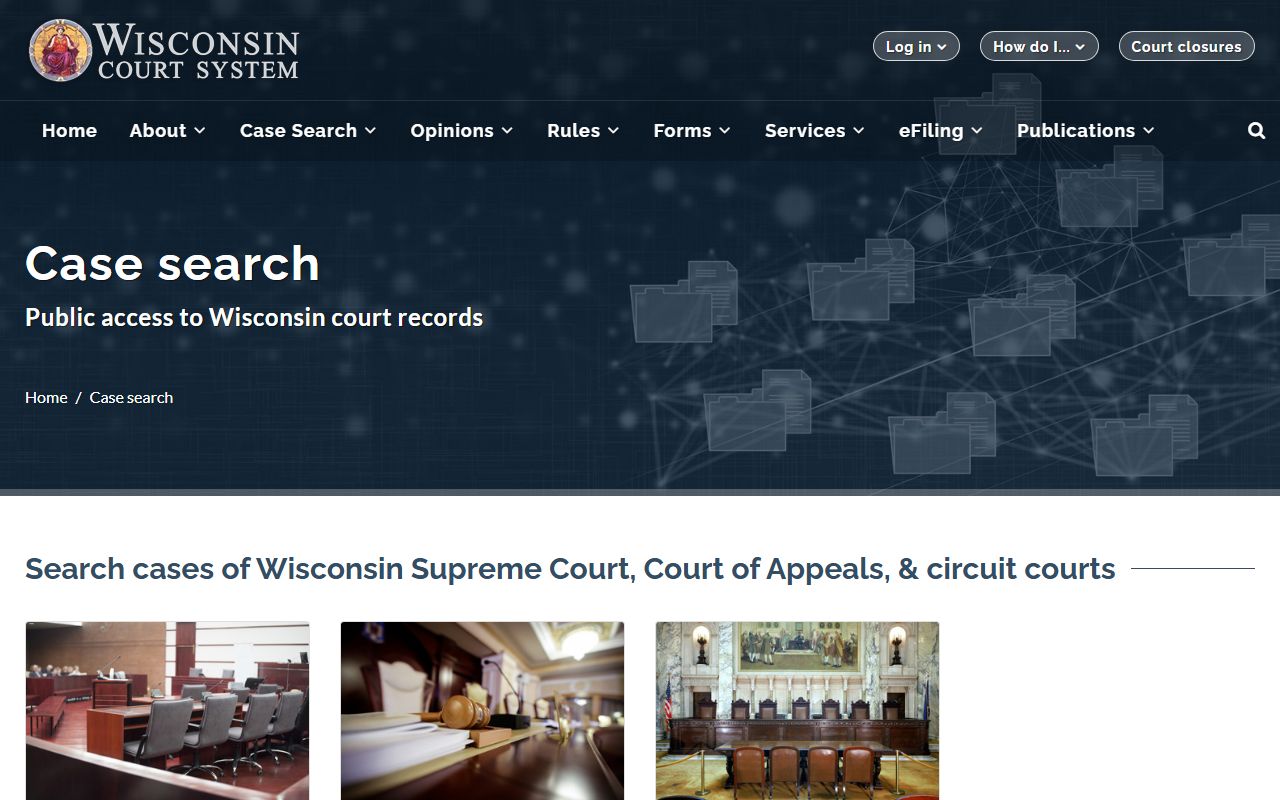
The Wisconsin Court System case search page links to WCCA for circuit court dockets. Use these steps:
- Open WCCA at wcca.wicourts.gov and select Dane County.
- Search by party name, business name, or case number.
- Open the matching case summary.
- Scroll to the court record events to read the docket timeline.
- Note any future hearing dates and the assigned court official.
What a Dane County Court Docket Includes
Each docket line marks one event in the case. A line usually shows the date, the event name, the docket text, and the court official tied to it. Over the life of a case the docket builds into a full timeline: the filing, the first appearance, motions, hearings, orders, the judgment, and any payments. Reading from top to bottom, you can trace how the case moved and what is still open. The sample below shows the fields you can expect in a single docket entry.
| Field | What It Shows |
|---|---|
| Date | When the event was entered or scheduled. |
| Event | The type of activity, such as a motion or hearing. |
| Docket text | A short note describing what happened. |
| Court official | The judge or court commissioner involved. |
| Result / notes | The outcome or any follow-up action. |
The docket also carries the case header above the timeline. That header repeats the case number, the parties, the case type, the assigned court official, and the filing date. Together the header and the event list give a quick, dated map of the whole case.
Note: A docket entry summarizes an event, but the signed order or filed document behind it must be requested from the Record Center.
Court Record Events in a Dane County Case
Court record events are the heart of the docket. They cover pleadings filed, hearings scheduled, notices sent, orders signed, judgments entered, warrants issued, and payments received. In a criminal case you may see the complaint, the bond order, the plea, and the sentencing entry. In a civil or family case you may see the summons, the answer, motions, and the final judgment. Each event carries a date, so the docket reads as a clear order of what came first and what came next.
Some events point to money. A criminal or traffic docket can show fines, costs, restitution, and a running balance, along with a note when an amount can be paid online. A civil docket can show a judgment amount, a garnishment, or a satisfaction once a debt is paid. These entries help you see whether a case is truly closed or whether money is still owed.
Other events point to documents you might want. When the docket lists an order, a judgment, or a transcript, that line tells you the paper exists. WCCA does not let every user download the full document, so you note the date and event, then ask the Record Center for a copy.
Hearings and Court Calendars
The hearing entries are useful on their own. They list the date, time, hearing type, room, and court official. People who want to attend or track a case use these lines to plan ahead. A status conference, a motion hearing, a plea hearing, and a sentencing all show up as separate entries with their own dates.
Dane County Circuit Court has 17 branches, and judges rotate case assignments under a plan that changes August 1 of odd-numbered years. Because of that rotation, the court official on an early docket entry may differ from the one on a later entry. Do not assume one judge handles a case for its whole life unless the current docket says so. The Circuit Court page lists every branch, judge, and room.
The docket also helps you plan a courthouse visit. Once you find the next hearing date, time, and room, you can decide whether to attend. Most circuit court hearings are open to the public. Court documents should be filed at least two business days before a scheduled activity date, such as a return date or a motion hearing, so the docket date is also a useful filing deadline marker. Holiday closures can shift a date, so check the Clerk's posted closure list before you rely on a future entry.
Which Courts Publish Dockets Online
Not every court posts its docket on WCCA. The Dane County Circuit Court does, and that covers most criminal, civil, family, probate, small claims, and traffic cases. Appellate case events for the Wisconsin Court of Appeals and Supreme Court appear in a separate state system. Municipal courts in Madison and other Dane County communities often keep their own records and may not show on WCCA at all.
This split matters when a ticket or case does not appear in your search. A municipal ordinance case or a municipal traffic citation may sit outside the circuit court docket. The address on the citation tells you which court holds the file. For circuit court matters, both the docket and the full record trace back to the Clerk of Circuit Court. Federal cases follow yet another path through PACER, which is covered on the Circuit Court page.
Reading Case Types and Class Codes
Dane County dockets use short codes for case types. A code tells you the kind of case before you read a single docket line. Common ones include CF for a felony, CM for a misdemeanor, TR for traffic, FO for forfeiture, FA for family, SC for small claims, and PR for probate. The state publishes the full code list, which helps when a docket shows a code you do not know.
The Wisconsin case-classification page is the official reference for these codes.
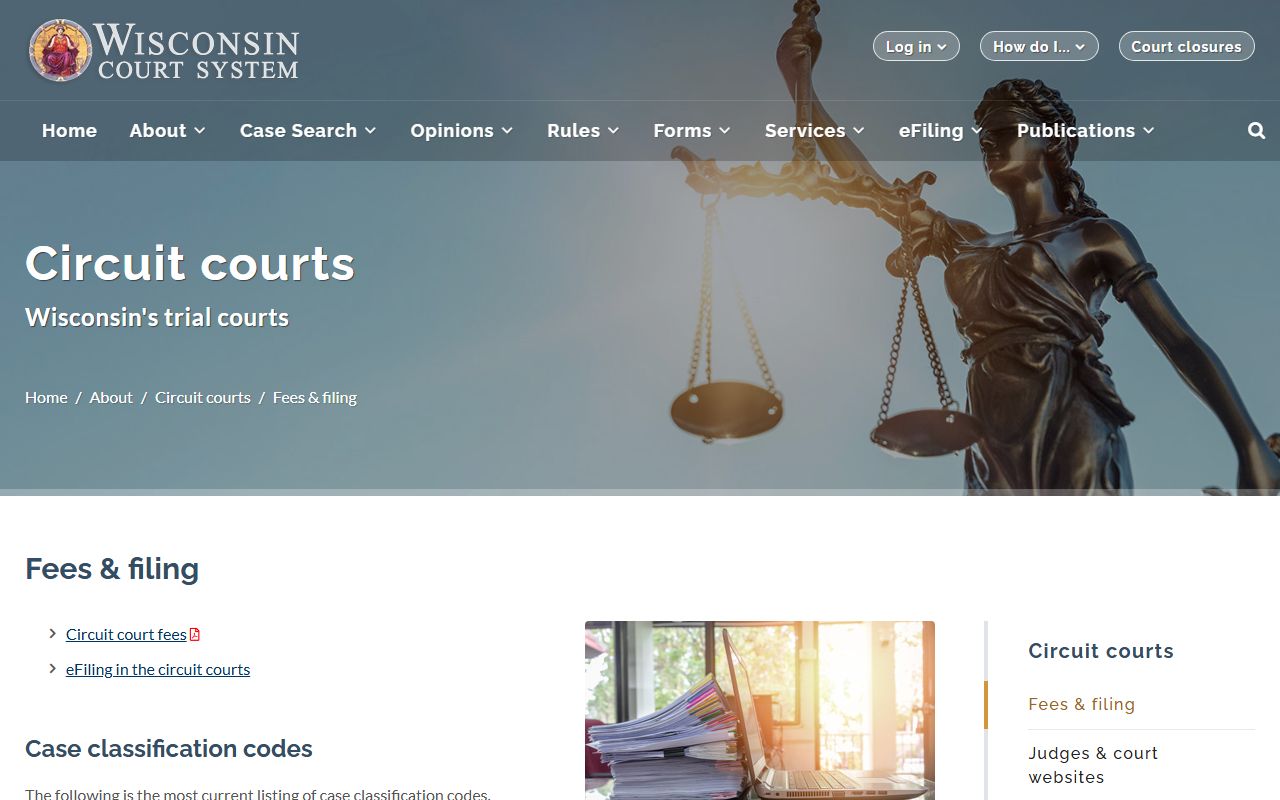
The case-classification code page lists every Wisconsin case-type code. The case number itself also carries the code. A Dane County case number combines the county code, the year, the two-letter case type, and a sequence number, with Dane shown as county code 13.
Dockets Versus Full Case Records
A docket and a full case record are not the same thing. The docket is the index of events. The full record is the stack of documents behind those events. The comparison below shows the difference and where each one lives.
| Court Docket | Full Case Record |
|---|---|
| A dated list of case events | The complete set of filed documents |
| Free to view on WCCA | Copies carry fees at the Record Center |
| Shows what happened and when | Shows the exact wording of each paper |
| Good for tracking hearings | Needed for certified or court-ready copies |
For most quick questions the docket is enough. When you need a certified judgment or a full order, you request the document from the Clerk. Learn more on the Dane County court records page and the Clerk of Circuit Court page.
Why a Docket May Look Incomplete
WCCA shows an exact copy of the case information that court staff entered. Each county started using the case-management system at a different time and made its own choices about converting older paper cases, so an older Dane County case may display fewer events than a recent one. A thin docket does not always mean a thin file.
If a docket entry looks wrong, the fix is not with the technology staff. Correction requests go to the Clerk of Circuit Court in the county that holds the file. For Dane County cases, that is the Dane County Record Center. WCCA is also not the official judgment and lien docket, which sits in the Clerk's office, so confirm any lien or judgment detail there.
Keep in mind that a docket can also pause. Cases that are sealed by court order or confidential by law may show limited entries or no public access at all. When a search returns less than you expect, the case may be restricted, converted from an older paper file, or filed in a court that does not post to WCCA.